How do I get a Model Studio API Key? What does it cost?+
1. Open theModel Studio international console with your own Alibaba Cloud account. Complete the required account information.
2. Select Singapore at the top right. Click Create API Key and set permissions to All.
3. Copy the Key into Mac setup. Use a Singapore pay-as-you-go Key; Token Plan and Coding Plan Keys do not work with VoxChord. Recognition and polish are billed by usage. Eligible Singapore models with International scope offer a new-user quota, valid for 90 days. Check the console for model eligibility and remaining quota. Enable Free Quota Only to stop usage when the quota runs out; otherwise usage is billed automatically.
Does it work on a Mac mini or Mac Studio with no microphone?+
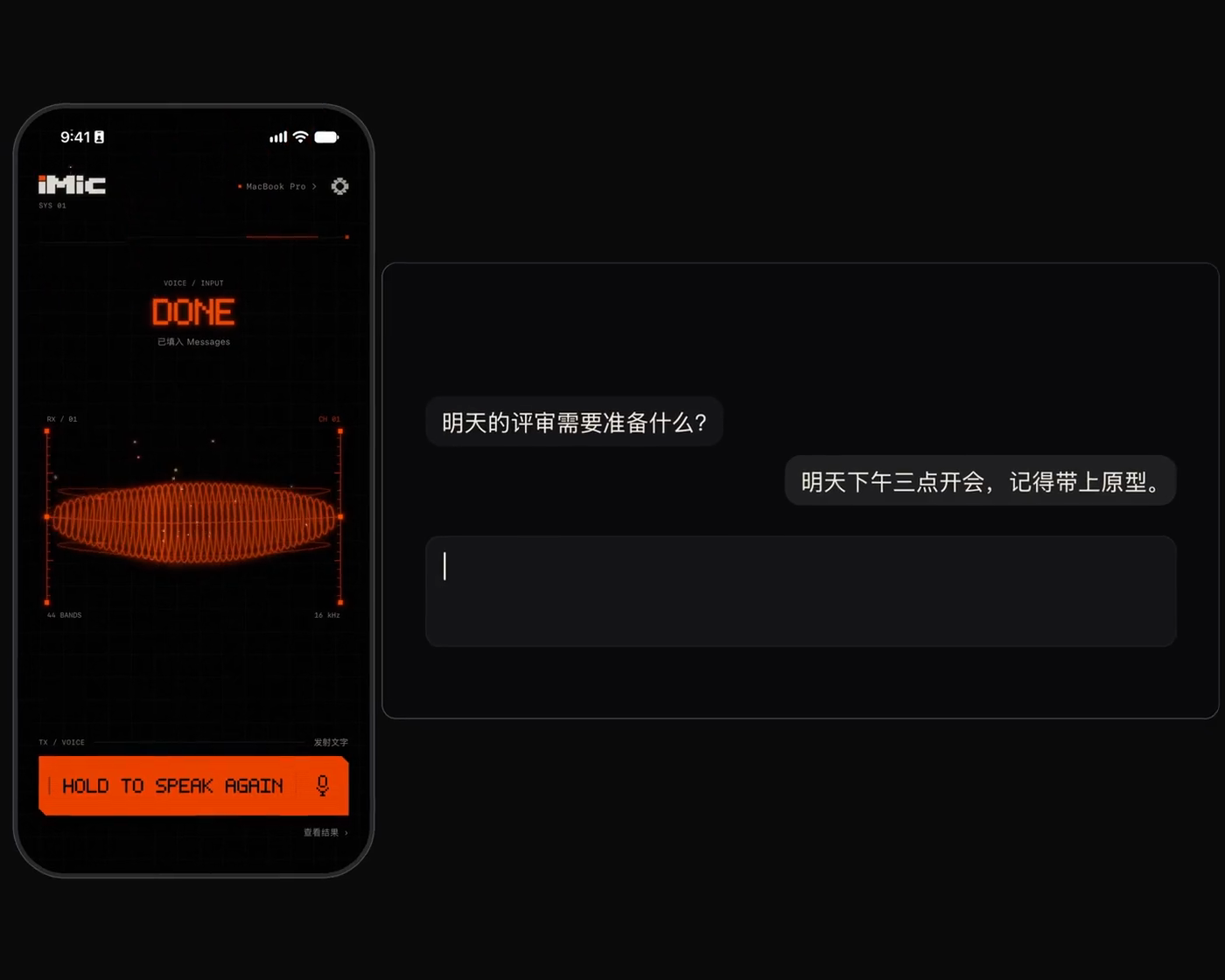
Yes. VoxChord listens through your iPhone, so your Mac needs no microphone at all. Use it on a Mac mini, Mac Studio, Mac Pro, or a MacBook running closed with an external display, with no extra hardware and no need for both devices to share an Apple Account. VoxChord does not become a system audio input on your Mac; for recording and video calls, use a USB microphone or Continuity Camera.
Do my iPhone and Mac need the same Wi-Fi?+
The same Wi-Fi and Local Network access are recommended. Guest and office networks may block device connections. If needed, enable Bluetooth fallback in Mac Settings. It may be slower, and long recordings may take time to finish uploading.
Which apps work?+
Anywhere you can type with a keyboard. With Accessibility allowed on your Mac, VoxChord types just like a keyboard. Tests cover TextEdit, Safari, Chrome, Terminal, Cursor, Zed, iTerm, and Otty. Live preview, polish highlights, and clearing vary by app; editors and terminals whose content cannot be verified refuse clearing. If the active app changes before recognition finishes, VoxChord keeps your result for copying and does not type automatically. In terminals, line breaks become spaces, and commands run only when you press Return. The polish highlight needs macOS 14+, can be turned off, and some text location needs Screen Recording access.
Can live preview change the wrong text?+
Live preview is enabled on new installs. Disable Live preview and incremental typing in Mac Settings if you prefer. Some apps use keyboard compatibility mode, which cannot independently verify app edits or dropped keystrokes and may duplicate or delete text by mistake. Manual keypresses, clicks, or app switches stop revisions for this session. If user takeover cannot be monitored and the range cannot be verified, only the final result is typed.
Which polish modes and services are there?+
The examples in the polish section are handwritten to show each style, not guaranteed output. Output can be Chinese, English, Japanese, or Korean. Terminal mode outputs a single command line and never runs it automatically. Choose Model Studio, DeepSeek, or a custom compatible service; configure the service, Key, and model on your Mac.
Can I sign and install the iPhone app myself?+
Advanced users can download the IPA fromall releases and sign it themselves. For regular installation, use the App Store.
Are my voice and text uploaded?+
They go to your chosen providers. Your Mac sends audio to Model Studio. Polish sends recognized text to the selected service. Apple Speech live preview on iPhone may use Apple's online services. VoxChord runs no server to receive this data. See theprivacy notice.
Why does VoxChord need Accessibility access?+
To type text and editing keystrokes into your chosen active app. You grant or revoke access in System Settings. VoxChord does not change system permission settings.
How do I update?+
VoxChord checks for updates automatically. You can also click Check for updates… in the Mac menu. In Settings → General, turn automatic checks off or enable automatic download and installation.
What if downloads are slow?+
GitHub may be slow on some networks. Retry later or visitall releases to download manually.
How do I report a problem?+
Email i0.0ia@qq.com or open a GitHub Issue. Include your version and steps to reproduce. Keep API Keys, pairing tokens, and private recordings out of public reports.